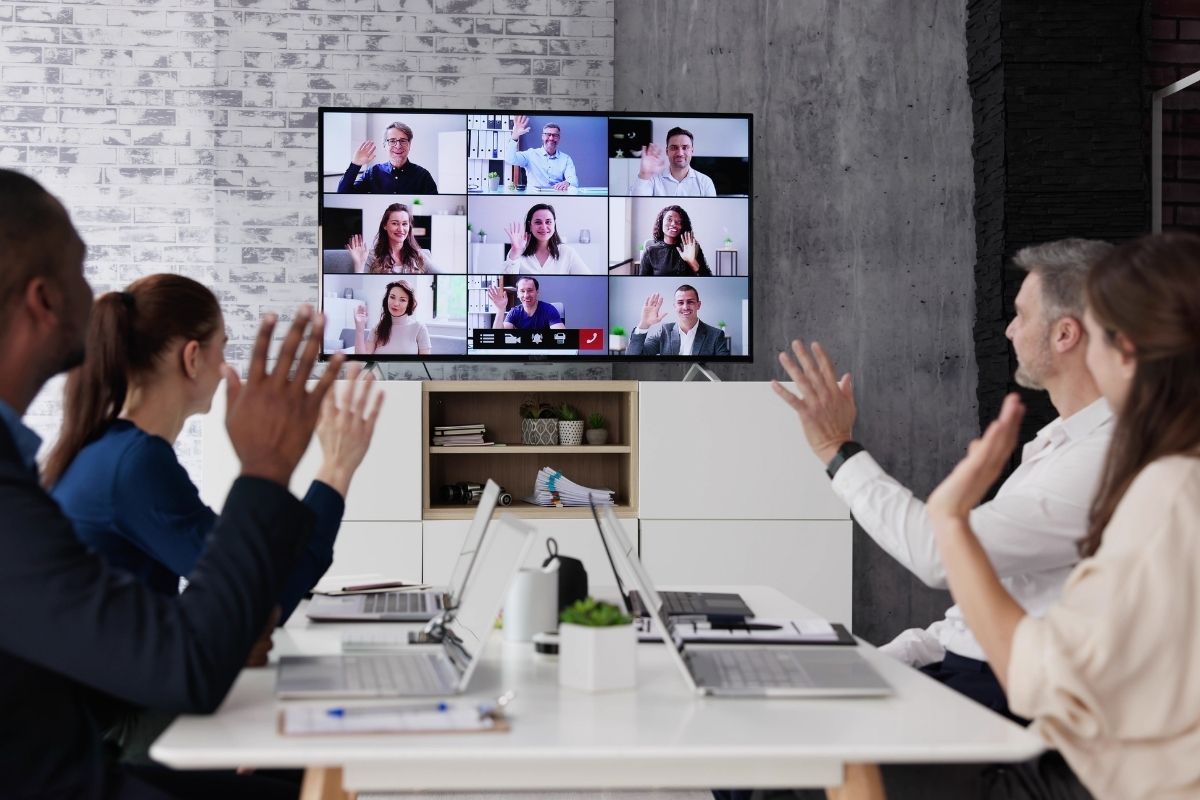
You know who I’m talking about. The person is eating crisps directly into their microphone. The one whose camera points straight up their nose. The colleague who shows up ten minutes late then spends another five fiddling with their audio. We’ve all sat through these calls, silently suffering. Here’s how to avoid being that person, because honestly, we need fewer of them. These video conference tips might seem obvious, but apparently they’re not.
Get Your Tech Sorted First
Join the call five minutes early. Not on time. Early. Check that your camera works. Test your microphone. Make sure your internet isn’t having one of its moods. If you’re hosting, get there even earlier. People stuck in a waiting room while you figure out how to start the meeting are already annoyed before things begin. Not a great start. Your coworkers have better things to do than listen to “Can you hear me now?” for ten minutes. Sort it beforehand.
Mute Yourself When You’re Not Speaking
Your keyboard clicks are louder than you think. So is your breathing. And that car alarm outside? Everyone can hear it. Background noise derails meetings faster than anything else. Your dog is barking at the postman. Your neighbor’s lawnmower. Your partner is having a phone conversation in the next room. Mute button. Use it. Yeah, you’ll forget to unmute yourself occasionally. We all do that awkward thing where we’re talking with no sound coming out. Still better than broadcasting your entire household to the meeting.
Look at the Camera, Not the Screen
If you look at your screen during a call, it appears as if you are looking off into the distance. It’s a bit weird there when you’re trying to talk. Look at the camera lens as you speak. Feels weird at first, but little things like that will make a big difference in how people perceive you. They’ll believe you’re actually talking to them rather than looking at their forehead. Put your camera at eye level. Pile a few books under your laptop, if you have to. No one wants a view up your nostrils.
Dress Like You’re Leaving the House
You don’t need a suit. But put on a proper shirt. Run a comb through your hair. Appear as if you’ve been awake more than thirty seconds. When you work from home, it’s easy to want to spend the whole day in your pyjamas. Don’t video call in pyjamas. Just don’t. You’ll feel more professional when you look more professional, even if the only person who knows you’re wearing joggers is you. And avoid anything strapless. On camera, it can look like you’re not wearing a shirt at all. Not the feeling you’re after when you’re about to make a pitch.
Fix Your Lighting
Bad lighting makes you look like you’re calling in from a cave. Or like you haven’t slept in three days. Neither’s a good look. Face a window if possible. Natural light works best. Can’t do that? Stick a lamp in front of you. Just don’t sit with a window behind you, or you’ll be a mysterious silhouette, and nobody can see your face. This isn’t vanity. It’s visibility. When people can’t see you properly, they tune out faster.
Sort Out Your Background
Clean up what’s behind you. Your untidy bed or mountains of dirty laundry you’ve been turning a blind eye to for the last three days – nobody needs to see those. If your platform supports it, use the blur effect. Or choose a neutral virtual background instead. Just don’t pick anything cerebral, like the surface of Mars or a Thai beach. Keep it simple. Oh, and turn off the TV if it’s visible. Movement on a screen behind you pulls focus away from what you’re saying.
Show Up On Time
Be early. Treat video calls like real meetings. You wouldn’t rock up to a conference room fifteen minutes late without apologising, so don’t do it on Zoom either. About 72% of people have wasted time because someone couldn’t get their tech working, according to recent research. Don’t add to that statistic. Get there early, get set up, be ready when things kick off. Video call etiquette for employees really isn’t complicated. Just show basic respect for other people’s time.
Actually Pay Attention
Multitasking during calls is obvious. Your eyes dart around. You type at random moments. Everyone knows you’re checking email instead of listening. Close your inbox. Put your phone down. Focus on the meeting for thirty minutes. The world won’t end because you didn’t reply to that Slack message immediately. Research shows that only about 3% of people can actually multitask well. You’re probably not one of them. Neither am I.
Keep Your Camera On
Yeah, camera fatigue is real. But keeping your video off every single call makes you forgettable. People connect better when they can see faces. Obviously, there are times when you can’t. Your internet’s rubbish. You’re somewhere public. You look like death warmed up. Fine. But as a default? Camera on. Virtual video conference tips always mention this because it matters. Being visible keeps you part of the conversation instead of just a name on a screen.
Don’t Eat on Camera
A cup of coffee? Fine. Chewing crisps, noodles, or crunchy toast? Absolutely not. The microphone turns every bite into a horror movie soundtrack. If you really must eat, turn the camera off and mute yourself. Better yet—wait until the call ends.
Learn the Basic Controls
Know how to mute yourself. Figure out screen sharing. Find the chat function. These aren’t advanced features. They’re basic video conferencing etiquette that everyone should know by now. If you’re hosting, learn more. How to let people in from the waiting room. How to record if needed. How to remove someone if they’re being disruptive. Take fifteen minutes to learn your platform properly.
Use Chat Sensibly
The chat function isn’t for having entire side conversations. It’s for quick questions or sharing links without interrupting whoever’s speaking. And please, for the love of everything, don’t accidentally send a private message to everyone. We’ve all seen someone mean to privately slag off the meeting, then send it to the whole group instead. Mortifying.
Don’t Talk Over People
Wait for gaps in conversation before jumping in. Use the raise hand button if your platform has one. Or just say, “Quick question when you’ve finished this bit.” Many video systems switch the camera to whoever’s talking. When you interrupt, you confuse the system and make everything awkward for everyone watching. But don’t sit silent the entire time either. Nod occasionally. React to what people say. Show you’re actually there and not just a frozen screen.
WhatsApp Video Call Etiquette Is More Relaxed
WhatsApp calls are usually more casual since they’re smaller or more personal. But the basics still apply. Be on time. Look at the camera. Don’t call from bed unless it’s your mum. You can be more relaxed on WhatsApp, but “relaxed” doesn’t mean “complete mess.” There’s still a person on the other end who deserves basic consideration.
Keep Meetings Short
Thirty minutes is plenty for most video calls. Any longer and people’s attention wanders. Productivity drops. Everyone starts mentally checking out. If you’re running the meeting, make an agenda and stick to it. Don’t let people ramble on about nothing. Don’t let conversations drift off topic. Keep things focused and brief. Honestly? Half the meetings happening could be emails instead. Before scheduling another call, ask yourself if you really need everyone’s face or if a quick message would do.
Have a Backup Plan
The internet cuts out. Platforms crash. Tech fails. It happens to everyone. Always have a backup ready. Maybe that’s switching to a phone call. Maybe it’s using a different platform. Maybe it’s just rescheduling if everything’s completely broken. Don’t panic when technology goes wrong. Just move to plan B smoothly and carry on.
Also Read: 12 Business Ideas That Actually Work
Be Patient With Others
Not everyone’s great with technology. Some people are still figuring this stuff out. Give them a break when they struggle. Yeah, it’s annoying when Bob can’t work out screen sharing for the tenth time. But getting irritated doesn’t help anyone. Be kind. Help if you can. Move on quickly if you can’t.
Follow Up After the Meeting
Good etiquette doesn’t end when the call closes. Send a quick summary, action points, or promised links. This stops confusion and shows you were actually engaged. It also helps people who couldn’t attend stay in the loop without needing another meeting. A simple follow-up message keeps momentum going and makes sure deadlines don’t quietly disappear.
The Reality Check
Video calls aren’t going anywhere. About 38% of American workers are remote or hybrid now, which means we’re stuck with virtual meetings whether we like them or not. Following basic video conferencing etiquette makes these calls less painful for everyone. Test your tech. Mute when you’re not talking. Looks halfway decent. Pay attention.
Not complicated stuff. But plenty of people still can’t manage these simple things. You’ll keep sitting through calls where someone’s eating loudly into their mic or conducting business from what looks like a laundromat. At least now you know better. You won’t be that person everyone’s silently judging in the grid of tiny boxes on screen. That’s worth something.
Frequently Asked Questions (FAQ)
1. What is the key rule of video call etiquette?
It’s essential to cover the rules for participants in the meeting. Respect others’ time and attention. Mute yourself when you’re not speaking. Avoid eating or other distractions.
2. Should I always turn on my camera when attending meetings?
Yes, it’s best to have your camera on. It helps with connection and trust. You can turn it off if your internet is unstable, if you’re in a public place, or if the meeting is audio-only.
3. How can I lower background noise in calls?
Mute the microphone when you speak. Find a quiet room, close all windows, and use headsets with microphones.
4. Would it be unprofessional to take a video call in my bed?
Yes. Even for casual calls, meeting from your bed is not professional-looking. Make sure you are seated at a table or a desk, if possible.
5. What should I do if my internet fails during a meeting?
Reconnect quickly, use mobile data, or dial in by phone audio. Have a plan for reconnecting so that a meeting can continue uninterrupted.
6. Can I eat during a video conference?
It’s better not to. Eating causes distracting noises and body language that’s rude to others in the video call. If you have to eat, turn the camera off and keep the volume muted.
7. Is Multitasking Allowed During Online Meetings?
No. This shows you and the audience that you’re not paying attention. This should be done in the same manner you do in meetings in class.


💬 Comments