
My cousin texted me last week asking how does FB Pay work because she wanted to split a restaurant bill with friends. The thing is, she kept calling it Facebook Pay, which technically doesn’t exist anymore. It’s Meta Pay now, and honestly, that rebrand confused the hell out of everyone back when it happened.
Look, I understand why people are still searching for Facebook Pay. The platform was rebranded from Facebook Pay to Meta Pay on September 28, 2022. That was over three years ago. But old habits die hard, right? We continue to refer to it as Facebook, even though the company has been Meta since 2021.
So yeah, when people ask how does FB Pay work, they’re really asking about Meta Pay. Same thing, different name. Nothing changed except the logo and some corporate branding nobody really cares about.
Setting Up Meta Pay Takes About Two Minutes If Your Bank Cooperates
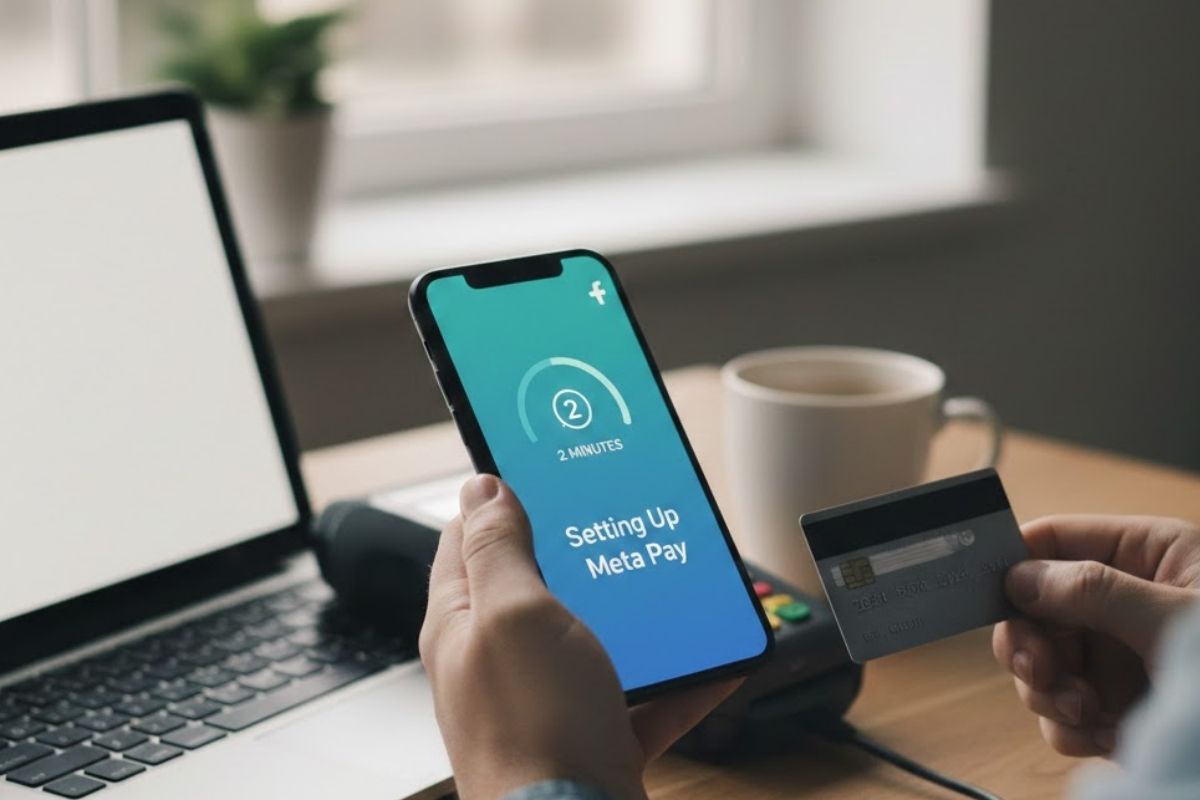
You can set up Meta Pay by logging into Facebook, Instagram, or Messenger. Just enter your payment card or account information once. That’s it. Sounds simple because it mostly is.
When you set it up on Facebook and Messenger, it automatically connects across Instagram without re-entering everything. That’s actually pretty convenient. I set mine up maybe two years ago and haven’t thought about it since.
How does FB Pay work on iPhone? It works the same way on Android or any device, really. You can add a PIN or use Face ID or fingerprint recognition for extra security when sending money or making payments. Meta doesn’t actually store your biometric data, which is good because we all know how much people freak out about that stuff.
The setup process walks you through adding a credit card, debit card, or linking PayPal. You’ll need to verify your information and create a PIN for security. Banks usually confirm your card immediately, though sometimes they’ll send you a tiny charge that you need to verify.
What You Can Actually Do With Meta Pay Beyond Just Buying Stuff
On Facebook, you can use Meta Pay to shop, donate, buy tickets for events, or purchase games. On Instagram, it works for shopping or making donations. Sending money to friends and family in the US is possible with Messenger.
Yeah, about that. The peer-to-peer money transfer feature only works in the US, and weirdly enough, Wisconsin residents are excluded. Nobody seems to know why Wisconsin got left out. Something about banking regulations probably, but Meta’s never really explained it.
When someone sends you money, it’s automatically accepted if you already have a PayPal account or debit card linked. If you don’t, you’ll need to add one by opening the message with the payment and tapping “Add Debit Card.”
The money thing is pretty straightforward. You open a Messenger conversation, tap the dollar sign, enter an amount, and confirm. Done. If you’ve got a debit card or PayPal connected, the transfer happens instantly. Your bank might take up to five business days to actually make it available in your account, though, which is annoying but standard.
Also Read – Why Your Team Keeps Missing Deadlines (And How to Fix It)
How Do I Get Money from Facebook Pay to My Bank Account
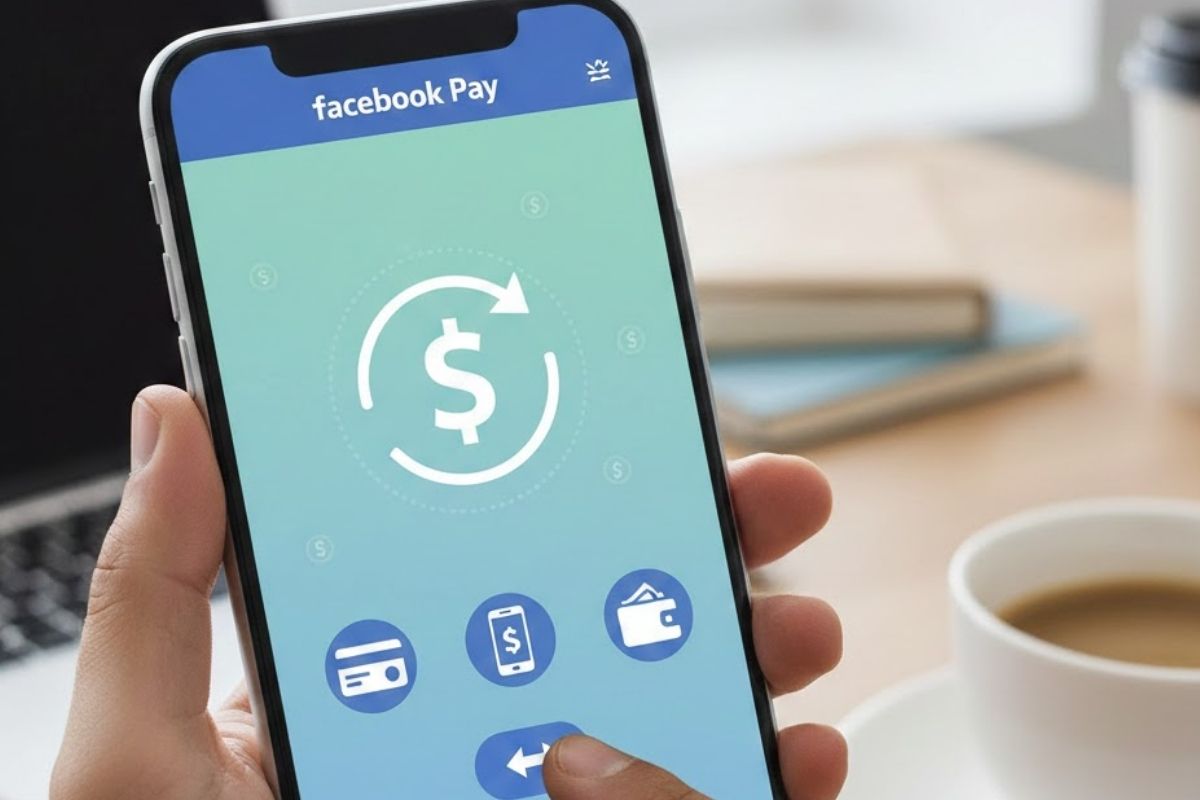
Right, so this is where people get confused. Meta Pay isn’t like Venmo or Cash App, where you have a balance sitting in the app that you can then transfer out. Meta Pay doesn’t actually transfer funds itself. It facilitates the process by providing your stored payment information securely to payment processors.
When someone sends you money through Messenger, it goes directly to your linked debit card or PayPal account. There’s no Meta Pay wallet where money sits waiting. So asking, “How do I get money from Facebook Pay to my bank account?” is kinda the wrong question. The money already goes to your bank account automatically if you’ve linked a debit card.
If you’ve only got PayPal linked, the money lands there instead. Then you’d need to transfer from PayPal to your bank, which is a separate process with its own timeline.
Personal money transfers are free for both senders and recipients, and they process immediately. That’s actually pretty excellent compared to some other platforms that charge fees or take days.
The Security Stuff Nobody Reads But Probably Should
Is Facebook Pay safe? Well, it’s as safe as any other payment platform, which is to say mostly safe but not bulletproof. Meta Pay encrypts and securely stores your payment card numbers. They perform anti-fraud monitoring and notify you if they detect unauthorized activity.
Payment information is stored separately from your profile data, which adds an extra privacy layer. That matters because if someone hacks your Facebook account, they theoretically shouldn’t automatically get your payment info too.
Users can create a PIN or use fingerprint or facial recognition for additional security. When sending money, you’re required to input the PIN or complete the biometric scan. And again, Meta doesn’t receive or store your device’s biometric information.
I actually had Meta Pay flag a purchase once as suspicious when I tried buying concert tickets at 2am. Got an alert on my phone immediately. Had to verify it was really me before the transaction went through. Annoying at the time but reassuring that something was actually watching.
They’ve been offering trusted payment services since 2009, enabling transactions in over 160 countries and 55 currencies. So they’ve been doing this awhile, which counts for something, I guess.
The Facebook Pay App That Doesn’t Actually Exist
There’s no standalone Facebook Pay app or Meta Pay app. That confuses people constantly. Meta Pay is built into Facebook, Instagram, Messenger, and WhatsApp. You access it through those apps, not through some separate payment app you download.
When you want to check your payment history or manage payment methods, you do that in the Accounts Center within Facebook or Instagram settings. It’s buried in menus, honestly. Not exactly intuitive to find if you’re looking for it.
The lack of a standalone app means Meta Pay doesn’t really compete with Venmo, Cash App, or PayPal as a general-purpose payment platform. It’s more like a feature bolted onto Meta’s social apps rather than a payment platform in its own right.
Also Read – 12 Business Ideas That Actually Work (I’ve Seen Them Succeed)
What All This Actually Costs You and Your Business
For regular people sending money to friends? Personal transfers are free. No fees. That’s huge compared to credit card cash advances or some other payment platforms that nickel and dime you.
For businesses? Implementing Meta Pay doesn’t cost anything if you’re already set up to accept credit cards. Meta Pay costs are built into the credit card processing expenses. So you’re paying your usual 2-3% credit card processing fee, not some additional Meta surcharge.
Customers can add it to their accounts and use it without additional charges. That makes it attractive for businesses doing a lot of sales through Facebook Marketplace or Instagram Shopping.
The catch is that Meta’s phased out its partnership program, so new online stores can’t integrate Meta Pay. If you’ve got an existing integration from years ago, great. If not, you’re limited to using it within Meta’s platforms only.
The Bottom Line on Whether This Thing Is Actually Useful
How does FB Pay work in practice? It’s useful if you are already on Facebook, Instagram, or Messenger and want to purchase something or send money without leaving the app. It feels secure enough that I use it regularly. And it’s free for person-to-person transfers, which is better than most options.
But it’s not replacing Venmo or Cash App anytime soon. The US-only restriction on money transfers is annoying. The lack of a standalone app means it’s not really a payment platform, just a feature. And the fact that most online stores don’t accept it limits its usefulness outside Meta’s ecosystem.
My cousin ended up using it to split that restaurant bill. It took her maybe 30 seconds once she’d set it up. Would she use it again? Probably only if everyone she’s paying already has it set up. Otherwise, it’s easier to just Venmo someone.
That’s kind of Meta Pay in a nutshell. Works fine when it works, but there’s usually an easier option sitting right there on your phone already.





💬 Comments